
Channel-point triggers
Viewers can fire your overlay by redeeming a Twitch channel-point reward. This runs through your own Twitch connection.
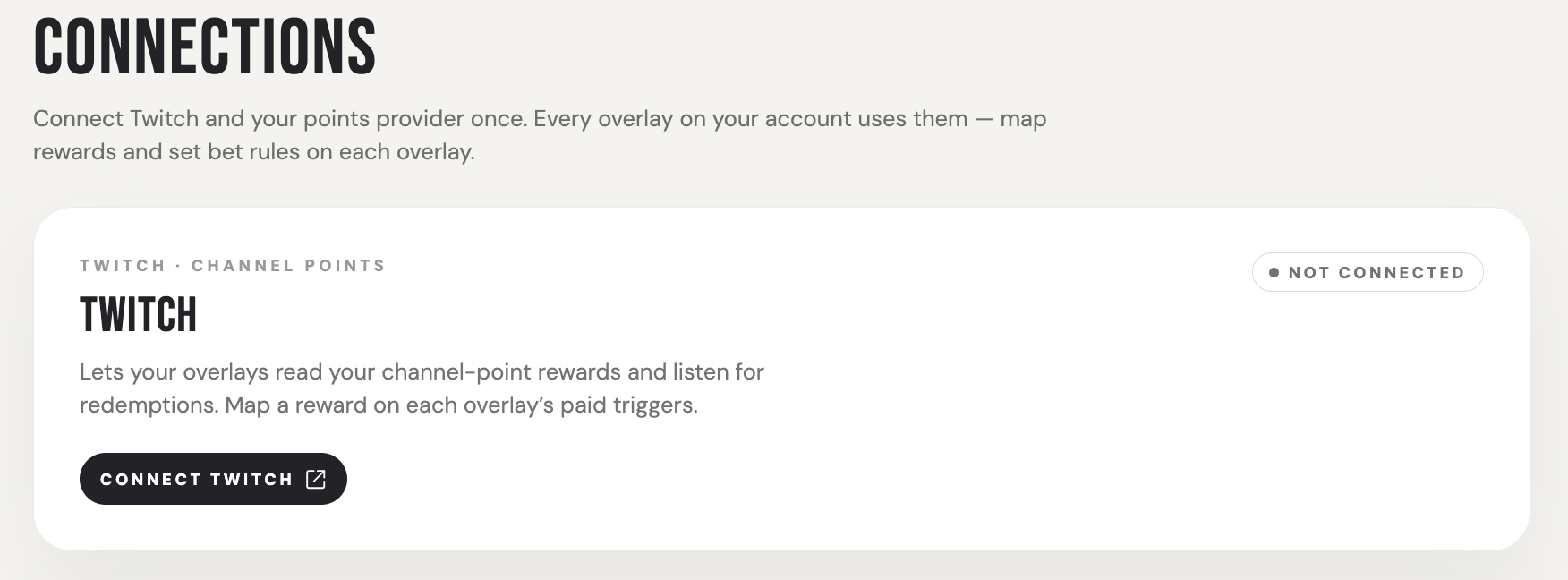
1. Connect Twitch
Connect your Twitch account in Connections within the dashboard.
2. Create a channel-point reward
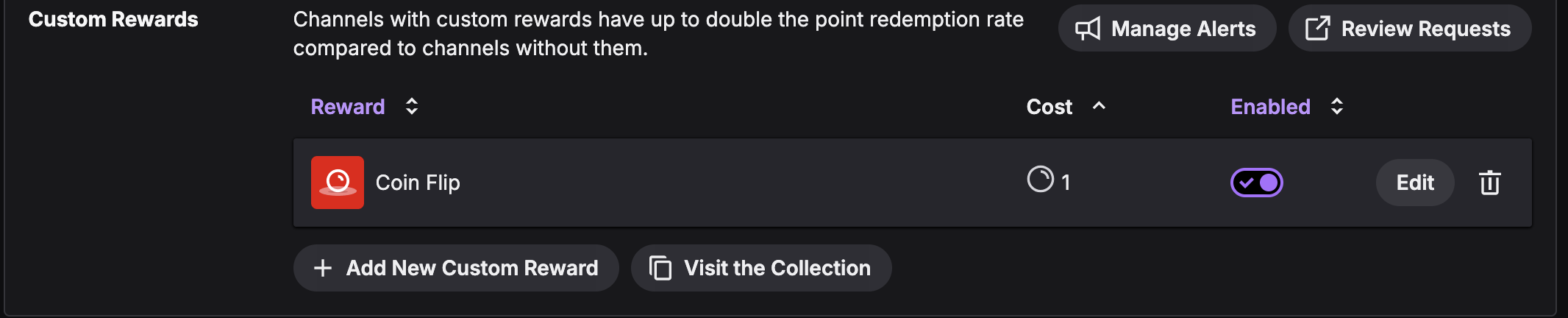
In your Twitch creator dashboard, go to "Viewer Rewards" → "Power-ups & Channel Points " and select "Manage Power-ups & Channel Points". Create a custom reward towards the bottom. Name it and set its cost.
3. Map the reward to your overlay
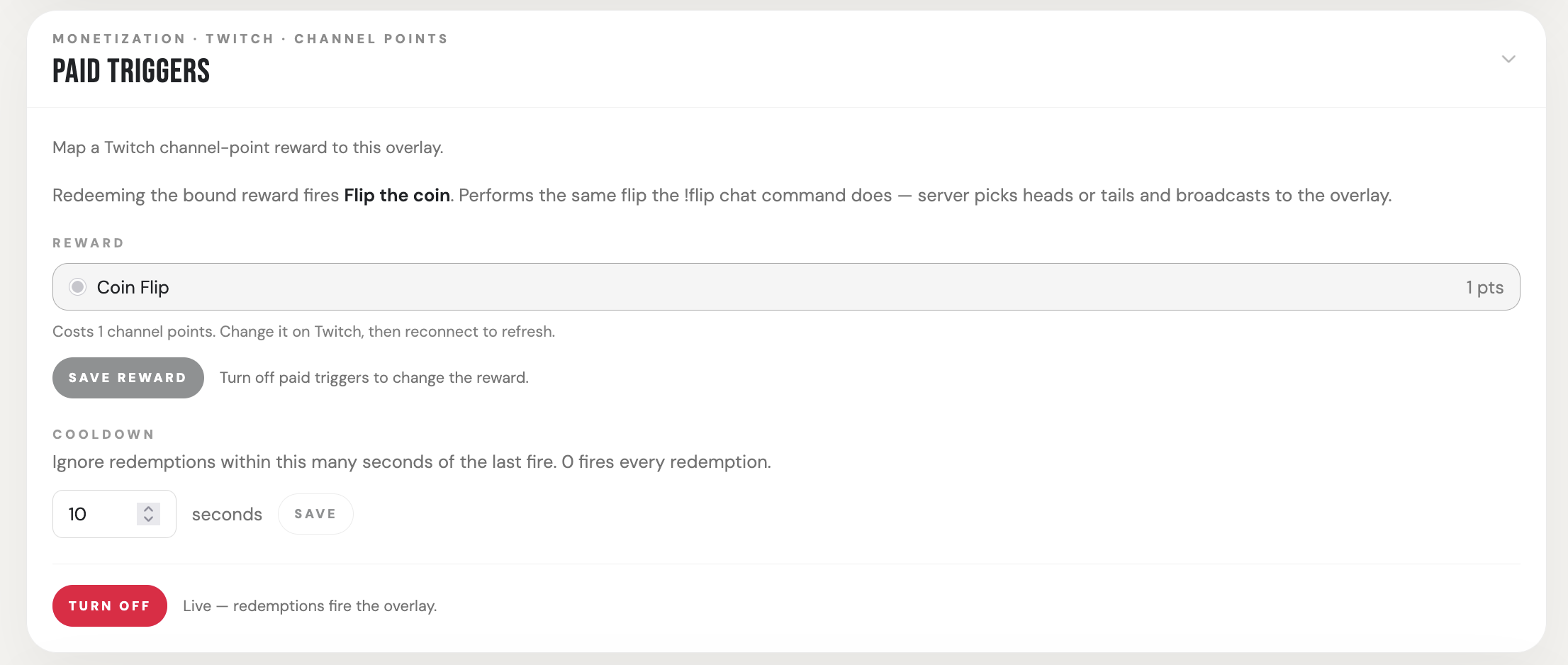
In your overlay's dashboard, set that reward as the channel-point trigger.
Test it
Redeem the reward on your channel — the overlay should fire. If it doesn't, see Overlay troubleshooting.